UUID in Databases: Primary Keys, Storage, and Performance
Learn how to use UUIDs as database primary keys in PostgreSQL, MySQL, and SQLite. Covers storage types, index performance, UUID v7 benefits, and UUID vs autoincrement.
- uuid
- database
- primary key
- postgresql
- mysql
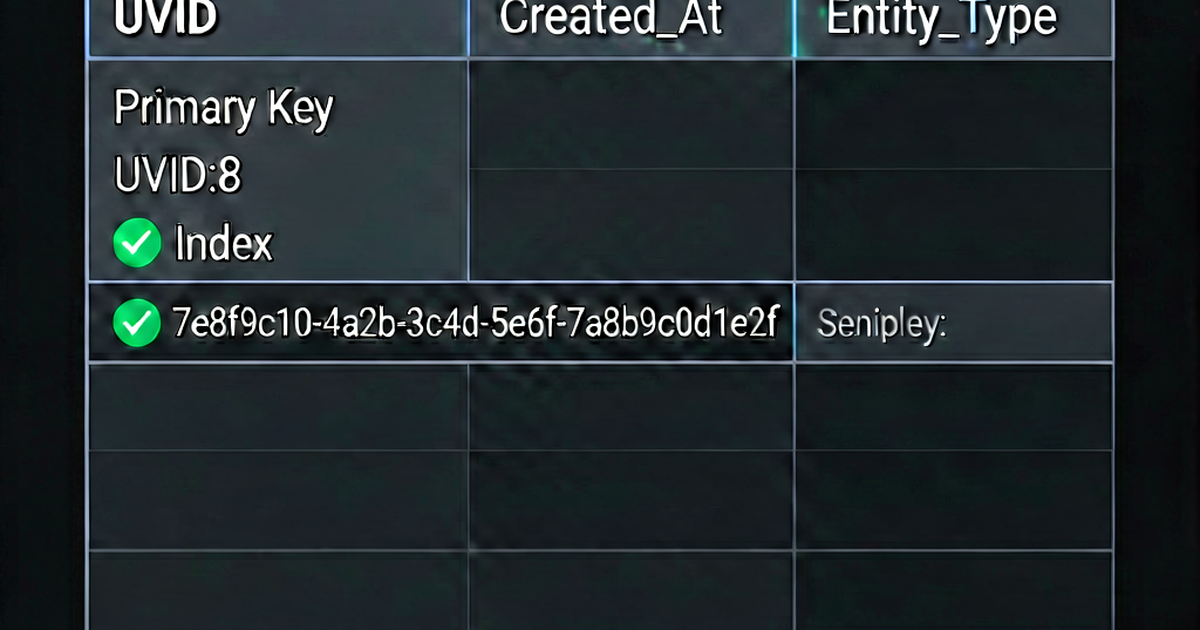

UUIDs are commonly used as primary keys in databases, especially in distributed systems or applications that generate IDs before persisting to the database. Here’s how to use them effectively.
Why use UUIDs as primary keys?
Advantages over auto-increment:
- No central authority needed — generate IDs in the application without a DB roundtrip
- Globally unique — safe to merge records from multiple databases
- Non-enumerable — random UUIDs don’t expose record counts or creation order
- Client-side generation — useful for offline-first and distributed apps
Disadvantages:
- Larger storage — 16 bytes vs. 4-8 bytes for integers
- Index fragmentation — UUID v4 causes B-tree fragmentation (use v7 or ULID to mitigate)
- Less readable —
550e8400-e29b-41d4-a716-446655440000vs.42
PostgreSQL
PostgreSQL has a native UUID type that stores UUIDs efficiently as 16 bytes.
-- Create table with UUID PK
CREATE TABLE users (
    id   UUID PRIMARY KEY DEFAULT gen_random_uuid(),
    email TEXT NOT NULL UNIQUE,
    name  TEXT NOT NULL
);

-- gen_random_uuid() is built-in since PostgreSQL 13
-- For older versions:
CREATE EXTENSION IF NOT EXISTS "pgcrypto";
SELECT gen_random_uuid();  -- from pgcrypto
UUID v7 with pg_uuidv7 extension:
CREATE EXTENSION IF NOT EXISTS pg_uuidv7;

CREATE TABLE events (
    id         UUID PRIMARY KEY DEFAULT uuid_generate_v7(),
    user_id    UUID NOT NULL REFERENCES users(id),
    event_type TEXT NOT NULL,
    created_at TIMESTAMPTZ NOT NULL DEFAULT NOW()
);
Creating an index:
-- Default B-tree index (created automatically for PK)
CREATE INDEX idx_orders_user_id ON orders(user_id);

-- UUID columns used in WHERE clauses need explicit indexes
CREATE INDEX idx_sessions_user_id ON sessions(user_id);
Querying:
-- UUID comparison (case-insensitive in PostgreSQL UUID type)
SELECT * FROM users WHERE id = '550e8400-e29b-41d4-a716-446655440000';

-- UUID in subquery
SELECT * FROM orders WHERE user_id IN (
    SELECT id FROM users WHERE created_at >= '2026-01-01'
);
MySQL / MariaDB
MySQL doesn’t have a native UUID type. Options:
CHAR(36) — most readable:
CREATE TABLE users (
    id    CHAR(36)     PRIMARY KEY DEFAULT (UUID()),
    email VARCHAR(255) NOT NULL UNIQUE
);
-- Stores UUID as a 36-character string including hyphens
BINARY(16) — most efficient (16 bytes):
CREATE TABLE users (
    id    BINARY(16)   PRIMARY KEY DEFAULT (UUID_TO_BIN(UUID(), 1)),
    email VARCHAR(255) NOT NULL UNIQUE
);

-- UUID_TO_BIN(uuid, swap_flag=1) reorders bytes for better B-tree performance
-- The swap_flag=1 puts the timestamp portion first for UUID v1 style UUIDs

-- Read back as string
SELECT BIN_TO_UUID(id, 1) AS id, email FROM users;
MySQL 8.0 UUID generation:
SELECT UUID();
-- Generates UUID v1 format (time-based, includes timestamp)
For UUID v4 in MySQL, generate in application code:
import uuid
import mysql.connector

conn = mysql.connector.connect(...)
cursor = conn.cursor()
uid = uuid.uuid4()

cursor.execute(
    "INSERT INTO users (id, email) VALUES (%s, %s)",
    (str(uid), "user@example.com")
)
SQLite
SQLite has no UUID type or generation function. Store as TEXT:
CREATE TABLE users (
    id    TEXT PRIMARY KEY NOT NULL,  -- store UUID as "550e8400-..."
    email TEXT NOT NULL UNIQUE
);

-- No default; generate in application
import uuid
import sqlite3
conn = sqlite3.connect('app.db')
conn.execute(
"INSERT INTO users (id, email) VALUES (?, ?)",
(str(uuid.uuid4()), "user@example.com")
)ORM examples
SQLAlchemy (Python):
import uuid
from sqlalchemy import Column, String
from sqlalchemy.dialects.postgresql import UUID
from sqlalchemy.orm import DeclarativeBase

class Base(DeclarativeBase):
    pass

class User(Base):
    __tablename__ = "users"

    id = Column(UUID(as_uuid=True), primary_key=True, default=uuid.uuid4)
    email = Column(String, nullable=False, unique=True)
Django:
import uuid
from django.db import models

class User(models.Model):
    id = models.UUIDField(primary_key=True, default=uuid.uuid4, editable=False)
    email = models.EmailField(unique=True)
Prisma (JavaScript):
model User {
  id    String @id @default(uuid())
  email String @unique
}
Performance considerations
UUID v4 fragmentation: Random UUIDs cause B-tree index fragmentation because each insert goes to a random position. At large scales (tens of millions of rows), this significantly degrades write performance.
Solutions:
- Use UUID v7 (time-ordered) — inserts are monotonic, no fragmentation
- Use ULID — similar to UUID v7, widely supported
- Use a composite key where UUID is not the clustered index
- Cluster on insert time — use a separate
created_atcolumn as the clustered index (SQL Server, InnoDB)
Storage size:
- UUID as CHAR(36): 36 bytes (string with hyphens)
- UUID as BINARY(16): 16 bytes (raw bytes)
- UUID as PostgreSQL UUID type: 16 bytes
For millions of rows, the difference between CHAR(36) and BINARY(16)/UUID type adds up.
Generate UUIDs at uuidgen.io.

Related reading
-
UUID v4 vs v7: Which Should You Use?
Compare UUID v4 (random) vs UUID v7 (time-ordered). Learn when each is appropriate, how v7 improves database index performance, and migration strategies.
-
What Is a UUID? Format, Versions, and How They Work
Learn what a UUID is: the 128-bit format, hyphen structure, version numbers, and why UUIDs are practically collision-free. Covers UUID v1, v4, v5, and v7.
-
UUID vs GUID: Are They the Same Thing?
Understand the difference between UUID and GUID: RFC 4122, Microsoft's GUID format, generation methods, case sensitivity, and when to use each term.